
In late September 2015, I followed a Guardian Masterclass run by
Rosenblum TV entitled Professional Video Boot Camp. The course covered how to
film and edit videos using Adobe Premiere Pro. There was a lot to take in
during the 4-day course. It has taken a while to experiment and consolidate my
learning alongside other business tasks. This blog is about that journey and
how I am now actively using videos in my marketing plans.
The Course
Firstly, note that this is not a course for the faint-hearted. Michael
Rosenblum is a fierce critic. The flaws in your early filming and editing
efforts will be exposed in front of the rest of the class. The good bits will
be noted too and his expert and sound advice will carry you forward to your next
video. It’s all done in good humour and with your best interests at heart. Just
leave any ego at the door.
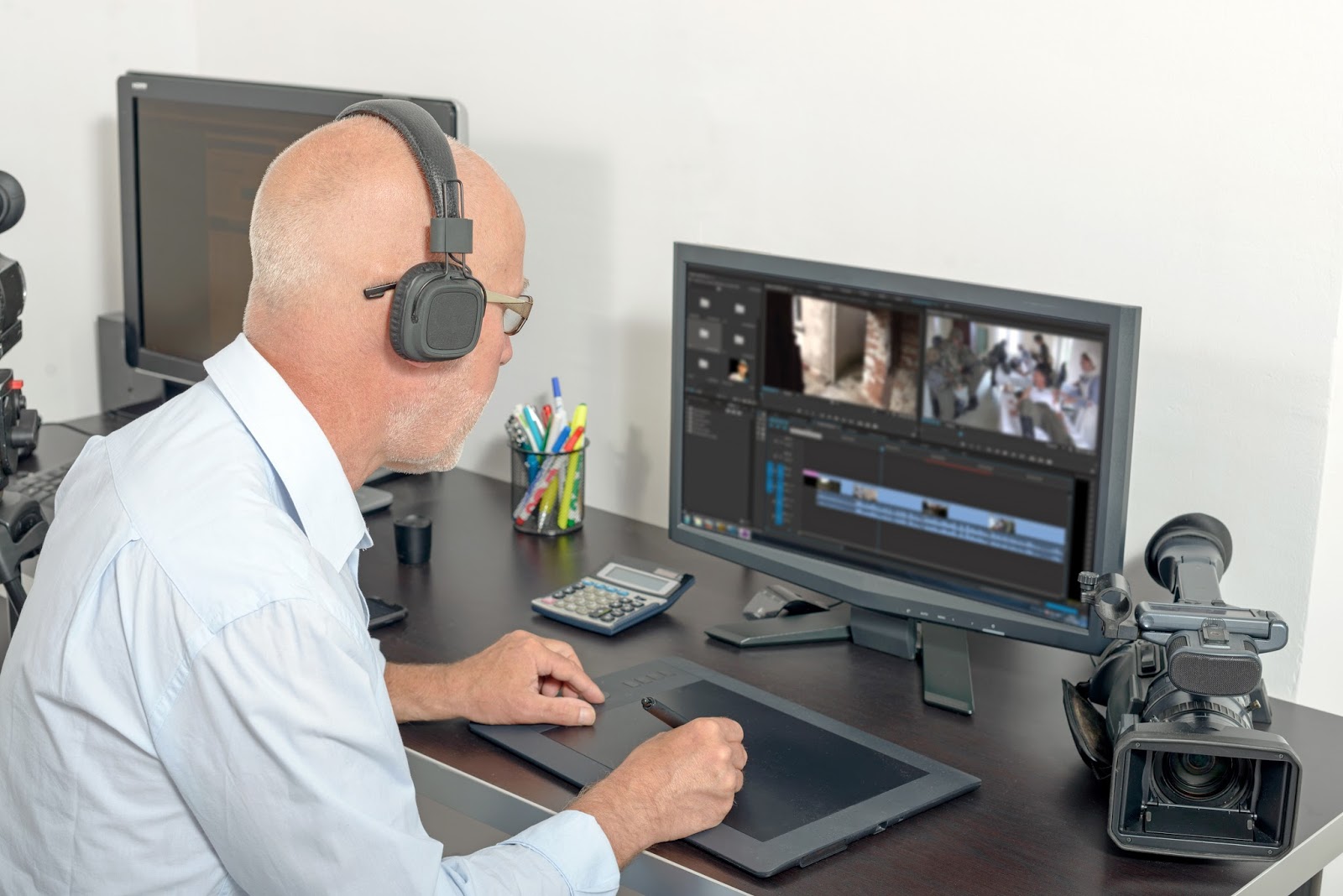 |
| Video editing and voice-over production with modern handheld camera on desk |
First Video at the Barber's
My first effort took me to an Italian barber’s shop close to the
Guardian’s HQ. The owner, assistant and customer were all obliging. I tried to
follow the advised Rosenblum technique. Theory and practice are different. On
my return, I edited a 3-minute video. Michael’s main criticism was that I didn’t
get close enough to the action. I pleaded the presence of some very sharp
scissors and bruising bumps from the hairdresser. Never mind all the tricky mirrors. Not accepted. Apparently, I
should have suffered scissor cuts and bruises for my craft.
 |
| Tricky filming situation: sharp scissors, moving barber and mirrors |
Action Movie at the Park
My next effort took me to Regent’s Park in search of a moving action
sequence. I spotted a group of 3 women walking and chatting in the park. The
elderly lady was in a wheelchair, but she kindly agreed to help with my little
training video. I took some great footage. My stroke of luck made it even more
powerful than I could possibly have imagined. Michael was impressed.
 |
| Elderly lady in wheelchair in park |
After the Course
Most of my early efforts remained in the camera. I investigated filming
conditions with my local borough. The insurance requirements and other
stipulations proved prohibitive for a small business. They seemed better suited
to a BBC or major film company production. I was not going to arrive with
several articulated trucks, a film crew or even a tripod to obstruct
passers-by.
Given Michael’s advice, I avoided boring talking heads. He’s right that no-one
wants to listen to 20-50 minutes of that. How do you film yourself? Ever
resourceful, I ended up using a toy robot (actually my son’s pencil sharpener) to fit my storyboard idea. I stayed well clear of passers-by and the High Street.
Just a modest little video for local purposes.
Format
I discovered another problem with videos. You can’t post them in the
same format on different social media. They often won’t play. Twitter
restricted the length and formats used. Videos catch the eye in a feed. I noted that
the feed presents videos differently on my laptop, iPad and mobile. I reverted
to photos as the more eye-catching method until more recently.
Generation Y (Millennials) and Z are very visual. Many of today’s
marketing decision-makers are Millennials. Most translators only think in text
formats to attract their attention. Millennials like to see rather than just
listen.
When confronted by a listening or viewing time of 20-50 minutes, many of
us will delay until later. We may not come back at all. Videos of 1-3 minutes
are more likely to be viewed immediately. I took the Rosenblum course to understand
the medium better. It has served me well, as I now work with an amazingly
creative French design company.
Opportunistic Videos
More recently I have become more opportunistic in my own video efforts. The
subject of translation bores clients, so I film cultural events. Such events
are well staged and lend themselves to filming by the amateur,
semi-professional and professional alike.
I currently prefer
my iPad to cameras for video and photographs. The quality is always improving
and people are less self-conscious about being filmed in this way. I frame shots better and can switch between the
video, slo-mo and photo settings easily.
 |
| Viewing video on tablet |
Editing time is
also another bonus. On New Year’s Day, my iMovie video appeared as the second
YouTube video posted for the London parade. Rosenblum’s filming technique
equips you to edit speedily. I now know not to drag the camera, to focus on
small details to create interest and not to worry about people walking in and
out of my shot.
Video on its own
doesn’t always gain interest. I find that using video, animation and photos in
conjunction with blogs and social media raises my business profile. They carry
on working for me when I am busy translating or at other events. I have been
amazed at the increased viewing figures in my blog’s analytics.
Translators concern
themselves with fine details. Giving up perfectionism isn’t easy. I never envisage
becoming a full-time professional video editor. It’s another skill in my
marketing toolbox. It’s helped me to understand how to make words and pictures
work together better.
For a truly
professional video, I would call in an experienced expert – just as I would
expect a video expert to call upon a professional translator for marketing
translations. Social media video postings don’t have to be perfect. Their
quality may not meet Rosenblum TV’s standards, but they are fit for my immediate
purposes and offer better quality than Periscope.
And video editing is a fun
skill to learn.
Karen Andrews is a freelance French to English translator, transcreator, content writer and editor. She has a strong background in global marketing.
Email Karen for further information via karenanglicityen@gmail.com in French, German or English.


